We can't find the internet
Attempting to reconnect
Something went wrong!
Hang in there while we get back on track
QuickBooks Desktop integration so easy we’ll build it for free.
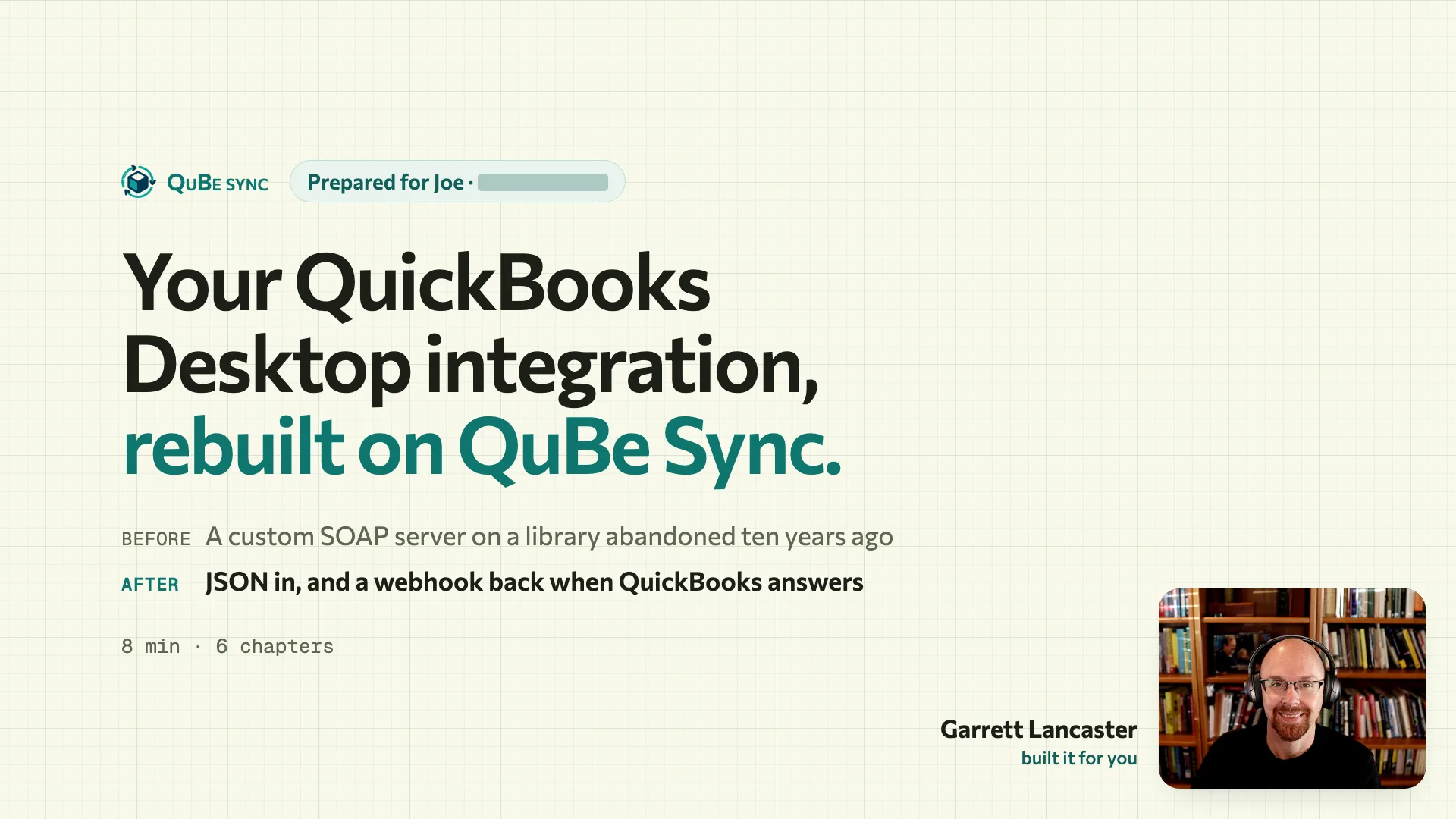
We’ve worked with QuickBooks Desktop for 16 years, from Pro and Premier to Enterprise. Tell us what your app needs and we’ll build the integration on QuBe Sync in a free account, then send you a walkthrough-video from the expert who built it, with what to do next.
Three steps, and two of them are ours.
You tell us what the integration should do. We build it against our JSON API, test it against QuickBooks Desktop’s awkward moments, and show you around it.
-
1 You
Tell us about your integration
Say where you’re starting: a QuickBooks Desktop integration, a QuickBooks Online one, or nothing yet. If you have one, your coding agent can describe it for you.
-
2 Us
We build it in your free account
The workflows for everything your app sends and reads, a simulated QuickBooks to test them against, and the setup link your customers will use.
-
3 Us
We send you a walkthrough
An email with a video of one of us explaining your integration: what we built, how we tested it, and what to do next.
Why not code it from scratch?
You can, and we have. A coding agent might even get a request through the Web Connector in an afternoon. The hard part (beyond SOAP & qbXML) is everything after; QuickBooks Desktop runs on your customer’s PC, on its own schedule, and you discover its numerous edge cases / failures one at a time on live customer accounts.
16 years of QuickBooks Desktop integration work
Since 2010, we’ve learned to prevent what we can, fix what we can, and tell the right person about the rest. Your QuBe Sync integration does all of it.
Where a quick integration breaks (part 1 / 347)
-
The answer is lost mid-request
Written from scratchYour code retries, and the payment is created twice.
On QuBe SyncMutations are pre-fingerprinted and automatically reconciled before sending again. Nothing is created twice.
-
QuickBooks is closed
Written from scratchRequests time out, and your app gives up or keeps hammering.
On QuBe SyncIt stays queued and is retried; your customer gets a message they can act on.
-
A dialog is open in QuickBooks
Written from scratchEvery sync fails until someone notices, and nobody can say why.
On QuBe SyncRetried for as long as it takes, and your customer is asked to close all dialogs.
-
QB business rule violations
Written from scratchQuickBooks refuses with a cryptic `list object "000854-6124299"` error, and the record never syncs.
On QuBe SyncThe run pauses, runs diagnostic queries, gives your app options, and carries on with the answer.
Your agent can still help: point it at our MCP server and docs, and it writes against a JSON API that already handles these.
Where are you starting from?
Tell us about what you've already built and what you need so we can take the load off your plate.
It’s waiting in your account when the email arrives.
Everything we build lives in your QuBe Sync account, ready to run against a test QuickBooks. You change it, extend it, or call it from your app like anything you built yourself.
Workflows we built for you
What you send, and what comes back
Use a robust JSON API to talk to QuickBooks Desktop, and receive your answers via webhook. No SOAP or qbXML for you, a guided setup for your customers, and a clear message for whoever can fix things when QuickBooks has an issue.
Your app sends
POST /api/v2/connections/:id/customers
{
  "name": "Northwind Builders",
  "email": "ap@northwind.example",
  "phone": "512-555-0100"
}
QuBe Sync calls your webhook
POST https://app.example.com/webhooks/qube
{
  "state": "response_received",
  "response_json": {
    "status": "success",
    "data": {
      "list_id": "80000024-1790470623",
      "full_name": "Northwind Builders",
      ...
    }
  }
}
-
On your customer’s PC
The Web Connector checks in, but a dialog open in QuickBooks won’t let anything through.
Nothing is applied.
-
QuBe Sync calls your webhook
{
  "state": "retryable",
  "error": {
    "error_type":
      "quickbooks_connection_error",
    "user_message":
      "QuickBooks can't sync if...",
    ...
  }
}
The request keeps its place in the queue. There’s nothing to resend.
-
What you show your customer
QuickBooks can't sync if any modal dialog is open. Please close all dialogs and try again.
From
error.user_message, written for them. Once the dialog is closed, the request goes through on the next run.
Test against a QuickBooks simulator that fails on demand Beta
Handling failures and edge cases is the name of the game. Use a simulated QuickBooks connection to make sure you're gracefully handling errors before your customers find them for you.
- Fail on purpose: QuickBooks closed, a dialog open, a name in use, an answer lost
- Realistic customers, vendors, items and accounts to test against
- Never billed. Drive it from the dashboard, the API or the CLI
- connection_error Intuit's Web Connector can fail in multiple ways. Test them here first.
- company_file_mismatch company_file_missing modal_dialog qb_closed unexpected
- next_status Choose between various QB error codes to make sure you handle them.
- 3100 name in use · once
- next_lost_response Test what happens when QuickBooks' response times out.
- true once
- latency_ms How long QuickBooks thinks before each answer.
- 1500 ms
Run Web Connector now Queue test request
One link, and your customer is connected
We walk them through the Web Connector setup one step at a time, preventing all the usual mistakes, and send them back to you with QuickBooks ready to go.
Add a Connect QuickBooks button-
Your app
my-app.com/settingsYour customer clicks Connect QuickBooks Desktop, and you send them to their onboarding link. -
qubesync.com
qubesync.com/onboarding/t_8f2c1d…It prevents the usual mistakes first, then shows a screenshot of every Web Connector prompt with the right answer marked. on the computer that runs QuickBooks QuickBooks open, single-user, as admin the company file is open -
Your app
my-app.com/webhooks/qube · connection.connectedQuBe Sync's signed webhook says they're connected after their first check-in, and your app shows QuickBooks ready to go.

Multi-step jobs, run on our side
Real jobs rarely fit in one QuickBooks request. Creating an invoice means making sure the customer exists, handling a vendor that already has that name, making sure every item exists, and only then adding it. If the connection drops halfway, someone has to work out what was written and what wasn’t. We do all of that, so nobody ends up double-invoicing their customers.
Start from a tested template- add_transaction
- ensure
- resolve
- upsert
- pull_changes
See every path. Each workflow is a chart you can read, test-run and change, including the retry when someone takes a name mid-run.
Decide what only you can. When a name is taken, the run asks your app and carries on with the answer.
Bring your coding agent
Point Claude Code, Cursor or any MCP client at qubesync.com/mcp. It explores the API and writes the integration with you, without ever holding a secret, and checks its own work with a sandbox-only CLI session.
Set up the MCP server- 261 tools
- Each checks its parameters and returns the v2 request to send
- Workflows
- Tested templates, and a validator for the charts it writes
- No secrets
- The tools never send anything. Your code does, with your key
- Changed files show up here.
claude mcp add --transport http qubesync https://qubesync.com/mcp
A scripted replay: the tool results are real answers from qubesync.com/mcp; the pacing is not.
Claude is writing your integration…
We handle the hard parts
QuickBooks Desktop runs on your customer’s PC, on its own schedule, and plenty can go wrong between your app and theirs. In 16 years of QuickBooks Desktop work we’ve learned to prevent what we can, fix what we can, and tell the right person about the rest.
Read how errors are handled| What goes wrong | Signal | What QuBe Sync does | Who hears about it | Mode |
|---|---|---|---|---|
| A field QuickBooks would reject | schema check | Rejected when you queue it, not minutes later on your customer’s PC | Who hears about it: You, in the API response | prevent |
| Smart quotes, bullets, dashes and many more | invalid text | Replaced with encoded equivalents QuickBooks accepts. Decoded on the way back out. | Who hears about it: Nobody needs to | prevent |
| Duplicate transaction requests | ExternalGUID | Workflows fingerprint the transaction before creating it, so it can automatically reconcile before sending again. | Who hears about it: Nobody needs to | prevent |
| QuickBooks is closed | quickbooks_connection_error | Stays queued and retried until QuickBooks is opened; the Web Connector is backed off so it doesn’t hammer a closed QuickBooks | Who hears about it: Your customer, once, in words they can act on | resolve |
| A dialog is open in QuickBooks | quickbooks_connection_error | Retried for as long as it takes. Your customer still receives instructions so they can resolve it faster. | Who hears about it: Your customer: “please close all dialogs and try again” | resolve |
| The session ends early | session closed | A request QuickBooks never saw goes back in the queue | Who hears about it: Nobody needs to | resolve |
| The answer is lost mid-request | timed_out | The run checks QuickBooks before sending again. Nothing is created twice | Who hears about it: Nobody needs to | resolve |
| Someone changed the record mid-update | fields overlap | Your update goes through if their change doesn’t touch your fields; if it does, the run asks | Who hears about it: Your app, only when they overlap | escalate |
| QB business rule violations | cryptic QB error | The run pauses, runs diagnostic queries, gives your app resolution options, and carries on with the answer | Who hears about it: Your app, with the context to decide | escalate |
| Your webhook endpoint is down | no 2xx | Delivery retried with backoff, up to 12 attempts | Who hears about it: Your team, by email if it can’t be delivered | resolve |
| Your customer stops connecting | no check-ins | We send you a webhook with `connection.stalled`, and `connection.resumed` when it's back. | Who hears about it: Your app | escalate |
And many more. Each new version of QuickBooks, qbXML and the Web Connector brings new challenges, and they are handled for you too.
Instant fuzzy search prevents duplicate items, customers and employees.
QuickBooks is notorious for duplicate name issues, and finding them is near impossible with its native query filters. On realtime connections, cached fuzzy search finds near matches in milliseconds, and lets your customers solve problems before they start.
- Punctuation
-
ACME, Inc.findsAcme Inc - Company suffixes
-
Northwind Builders LLCfindsNorthwind Builders - Word order
-
Smith, JohnfindsJohn Smith - Numbered locations
-
Subway Store 1234findsSubway #1234neverSubway #1235 - Typos
-
Jonh SmithfindsJohn Smith
Audit everything that happened


Build it free, launch when you’re ready
One account. Each connection runs at the speed you pick, and you pay only for the ones your customers use.
While you build
$0
Build and test in your sandbox app, against your own copy of QuickBooks or a simulated one.
After you launch
Pay per active connection, per month. Choose a speed for each one.
Standard
$25 per connection, per month
- Web Connector check-in
- every 5 min
- Cached fuzzy search
- Not included
- Workflows
- Not included
- Made for
- Syncing in the background
Realtime
$50 per connection, per month
- Web Connector check-in
- every 10 s
- Cached fuzzy search
- Included
- Workflows
- Included
- Made for
- Interactive UIs
High volume or special requirements? Talk to us
Mix and match standard/realtime connections as needed.
A connection is active when its Web Connector has checked in during the past week. Sandbox and simulated connections are never billed.
Rather build it yourself?
The JSON API, the docs and the MCP server are open to every free account.
Tell us what your app needs from QuickBooks Desktop. We’ll build the first version.
Tell us about your integrationBuilt on 16 years of QuickBooks integration work. Questions first? Write to support@qubesync.com and a person will answer.